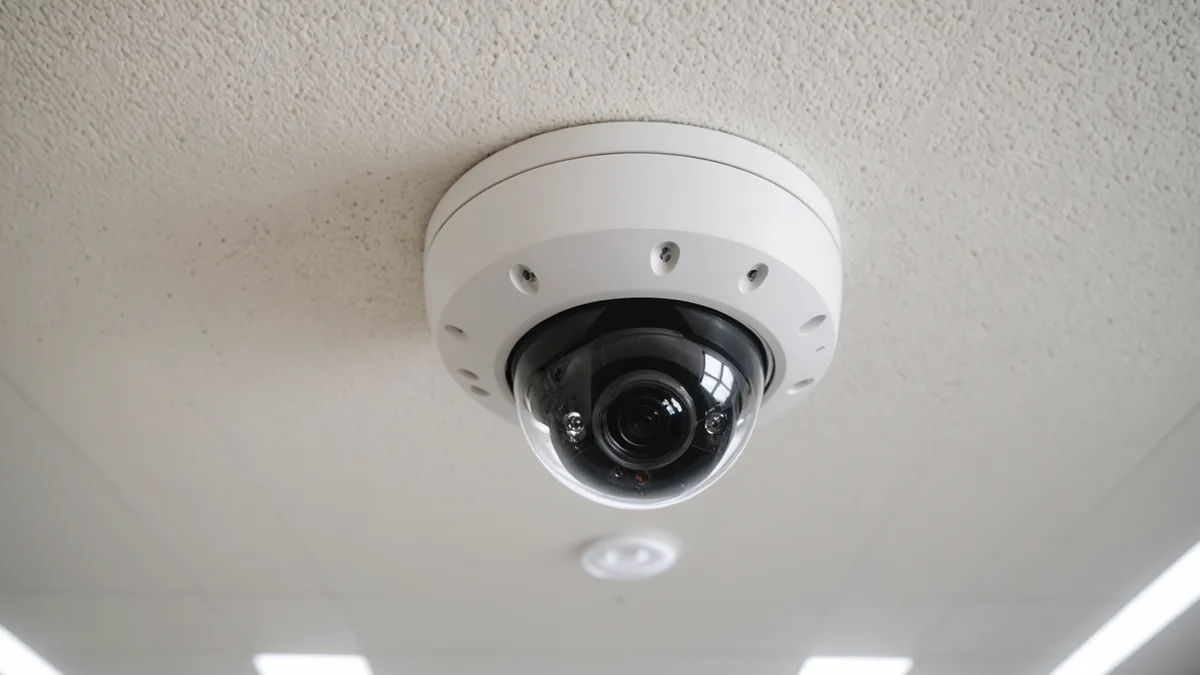
A 1080p security camera running at 15 frames per second produces roughly 900 frames per minute. Most of those frames are nearly identical. Security use cases need the full recording for forensic review. Shelf analytics needs something different: periodic observations that show whether product is present in a defined shelf area and whether the fill level has crossed an operational threshold.
That distinction shapes the entire architecture behind real-time restock alerts. Youtiligent uses the existing camera network as an input, processes selected frames on a local edge processor, and sends operational metadata to the cloud analytics layer. The result is a shelf-level alert without sending video footage outside the store network.
1. Accessing the existing camera stream
The first step is connecting to the camera feed. Standard IP cameras expose an RTSP stream through ONVIF Profile S or Profile T. An on-site processor subscribes to that stream and receives the same kind of video feed the store may already use for security monitoring.
This does not require replacing the cameras with dedicated shelf sensors. The relevant requirement is that the existing camera provides a suitable view of the shelf and supports the relevant ONVIF and RTSP access. The camera continues to operate as a security camera. The edge processor reads the stream for a separate operational purpose.
At this stage, the system is receiving video, not yet generating a restock signal. The useful signal comes from deciding which frames to inspect, which part of each frame matters, and how the observed shelf state compares with the expected stocked state.
2. Why shelf analytics does not process every frame
A security recording is designed to preserve a continuous account of what happened. Shelf availability has a different time scale. In most store environments, the state of a shelf does not meaningfully change 25 or 30 times per second. Even when a shopper removes an item, the operational question is usually whether the zone remains below a restock threshold after the change, not what happened in every individual frame.
For that reason, the edge processor uses configurable frame sampling. A store can define a sample rate, such as one frame every few seconds per zone. The system analyzes periodic samples rather than every frame in the camera stream.
This is an engineering tradeoff. Processing fewer frames reduces compute requirements, avoids repeated analysis of nearly identical images, and makes a NUC-class processor sufficient for the task. It also matches the speed at which shelf conditions normally change. The target alert latency is within three minutes of a zone’s fill rate crossing its configured threshold, so full frame-rate processing is not necessary to produce a useful operational response.
Sampling does not mean the system waits for a scheduled batch at the end of the day. Each sampled frame can be evaluated as it arrives. When the inferred condition crosses the configured threshold, the processor can generate an event and forward it through the alert path.
3. From a camera image to a zone-level fill rate
The analysis is organized around zones. An operator defines each zone in the dashboard as a rectangular region in the camera’s field of view. A zone might cover one shelf section or another clearly bounded area that the store wants to monitor. The inference runs per zone rather than treating the entire camera image as one undifferentiated scene.
For each sampled image, the system examines the zone and compares the observed product area with a reference baseline. The baseline represents the expected product area when the zone is fully stocked. The resulting ratio gives an inferred fill rate percentage for that zone.
In simplified terms:
Fill rate = observed product area divided by expected fully stocked product area
The calculation is not a count of individual units and does not require the system to identify a particular shopper or associate. It is a visual estimate of how much of the defined shelf area appears to contain product relative to the reference condition.
The operator can configure an alert threshold. If the inferred fill rate falls below that threshold, an OOS alert can fire. For example, a zone configured with a 25 percent threshold generates an alert when its inferred fill rate drops below 25 percent.
This approach gives store operations a signal at the level where action is usually taken. The question is not necessarily how many units remain in the zone. It is whether the zone has reached a condition that warrants a restock check.
4. Event generation and alert delivery
When a threshold condition is met, the edge processor creates a detection event. The event includes the zone ID, the timestamp, the inferred fill rate, and the alert type. These fields are enough to route and display the operational signal. The video frame itself is not included in the event.
Only this metadata leaves the store network. The event is forwarded to the Youtiligent cloud analytics layer, which routes it to the outputs configured for the store. That can include a dashboard notification, email, or a Slack webhook for Growth tier and higher.
The separation between the local processing step and the cloud alerting step is important. The cloud layer does not need a continuous video upload to tell a team that a shelf zone has fallen below its threshold. It needs the event data required to identify the zone, record when the condition occurred, and deliver the notification.
For a store team, a typical sequence might look like this:
- The camera exposes its RTSP stream through ONVIF.
- The local processor samples a frame according to the configured rate.
- The system evaluates the defined shelf zones in that frame.
- The fill rate for one zone falls below its threshold.
- The processor creates an event with the zone, time, fill rate, and alert type.
- The event reaches the configured dashboard, email, or Slack destination.
The target is to deliver the alert within three minutes of the threshold crossing. The exact response still depends on the configured sample rate, network conditions, and the store’s alert delivery path, but the architecture is designed around a short operational interval rather than end-of-shift reporting.
5. Why processing at the store matters
There are three practical reasons to process the video on site: bandwidth, privacy, and latency.
Bandwidth
A typical 1080p RTSP stream at 15 frames per second can use 2 to 4 Mbps. A store with 20 cameras therefore produces approximately 40 to 80 Mbps of video data. Uploading all of that video to the cloud requires sustained upstream capacity and creates an ongoing data transfer cost.
It also sends much more information than shelf analytics needs. Most frames contain no meaningful change for the shelf condition being monitored. Processing the stream locally allows the system to extract the relevant event and send only the metadata needed for alerting and analysis.
Privacy and data governance
Security cameras can capture shoppers and other people in the store. Those frames may contain personally identifiable information, even when the operational question is simply whether a shelf zone is empty.
With edge processing, the video remains inside the retailer’s network. The local processor handles the sampled images, calculates the zone-level fill rate, and sends event metadata outward. No video footage is stored or transferred outside the store network. This gives IT and data governance teams a clearer boundary around where the camera data is handled.
Latency
A local processor can evaluate the stream without first uploading video to a remote service and waiting for a cloud round trip. The alert still uses the outbound connection for event delivery, but the image analysis occurs close to the camera. That reduces the amount of data moving through the network and supports the target of an alert within three minutes of a threshold crossing.
6. The hardware reality
The edge layer does not require a specialized GPU server. The hardware requirement is an Intel NUC or equivalent standard x86 processor with 8GB or more of RAM, located on site and connected to the relevant camera network.
The reason this hardware is sufficient is directly related to the sampling decision. The system is not attempting to analyze every frame in a 25 to 30 fps security recording. It evaluates periodic samples and runs the inference per defined zone. For fill-rate inference at these sample rates, no GPU is required.
For IT teams, the practical requirements are a local machine, network access to the cameras, and outbound internet access for event delivery to the Youtiligent cloud analytics layer. The camera feeds remain within the store network while the resulting metadata can be routed to the configured operational destinations.
What this system does not do
The pipeline has a defined scope. It provides visual fill-rate inference for configured shelf zones. It does not:
- Recognize individual shoppers or track identities.
- Review stored footage for past incidents or security investigations.
- Replace refrigeration monitoring or measure temperature.
- Guarantee that every alert is correct in every store condition.
Alert accuracy was 94 percent in the pilot cohort, not 100 percent. A common source of false positives is a crowded aisle where shoppers temporarily block the camera view. The system may interpret the blocked zone as having less visible product, even though the shelf has not actually become empty. Camera placement, zone definition, and the configured threshold therefore remain important parts of deployment.
A useful way to frame the product is as an operational observation layer for existing CCTV. It samples what the camera can see, evaluates only the shelf zones defined by the operator, converts the visual condition into a fill-rate event, and routes that event to the people or systems responsible for restocking.
If you want to understand how the edge processing layer would fit your store network topology, we can walk through it with your IT team. The requirements are minimal: a local machine, network access to the cameras, and outbound internet. Reach out at [email protected].
The practical data governance point is straightforward: the camera feed is processed on site, while only the zone event metadata leaves the retailer’s network.
Back to Store Ops Insights