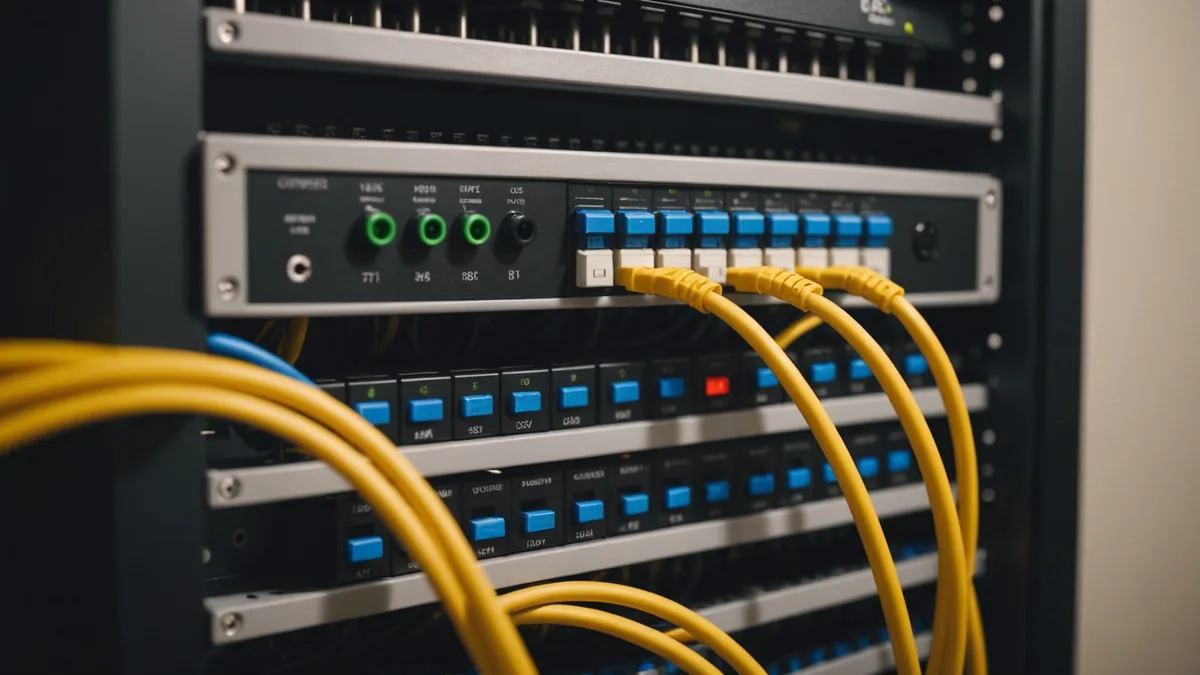
Profile S is the reason a camera refresh is often unnecessary
ONVIF Profile S is the baseline streaming profile for many installed IP cameras. It defines how a camera exposes its video stream, including RTSP access, image configuration, PTZ control, and relay output. For a retailer, that has a practical implication: if the cameras already support ONVIF Profile S, a shelf analytics system can usually connect to the existing video feeds without replacing the cameras.
That is the architectural choice we made at Youtiligent. Our store operations camera intelligence runs on the cameras already installed in the store. We connect through standard ONVIF profiles, receive the RTSP stream on a local edge processor, and process the video on the retailer's network. The goal is not to create another camera deployment project. It is to use the video infrastructure the retailer has already paid for.
ONVIF, the Open Network Video Interface Forum, is an industry standards body for open interfaces used by IP-based physical security products. In practical terms, ONVIF gives a camera and a compatible software platform a common method for finding each other, requesting capabilities, and accessing video. The camera brand and the analytics software do not need to come from the same vendor.
What a Profile S connection looks like
A typical connection begins with discovery. The analytics platform searches the local network for ONVIF devices, then identifies a camera's address and available services. After credentials are provided, the platform asks the camera what it supports and requests a usable video profile.
The connection sequence is generally straightforward:
- Discover the camera on the local network through ONVIF.
- Read the camera capabilities and available video profiles.
- Request the stream URI associated with the selected profile.
- Open the RTSP stream using the camera's credentials.
- Read frames locally for the configured store zone.
For a Profile S camera, RTSP is the important part of this exchange. RTSP provides the video stream that the edge processor can read. The camera may be configured to provide H.264, and newer equipment may also offer H.265. The analytics platform does not need a proprietary video connector for each camera brand when the camera exposes the stream through the ONVIF process.
Profile T is an extended streaming profile introduced in 2018. It adds support for H.265, metadata streaming, and motion alarm events. Profile S is the minimum requirement for a Youtiligent connection. Profile T is preferred when available, particularly when a retailer wants a newer codec or additional camera metadata. Most cameras installed after 2018 support Profile T as well as Profile S.
Why this matters to store operations
A hardware refresh creates work that has little to do with the operational question a retailer is trying to answer. Cameras need to be selected, installed, addressed, tested, and connected to the existing NVR or network. Store access must be scheduled. Security teams and IT teams must review the changes. Even when the camera replacement is technically sound, it can delay a pilot.
Using ONVIF changes the starting point. The first question is not, “Which new camera should we buy?” It is, “Can the cameras we have provide a compliant stream at the quality and angle we need?” If the answer is yes, the project can focus on camera placement, shelf visibility, network access, and the operating workflow for alerts.
Consider a regional grocery chain with 15 stores. The chain installed Axis cameras in 2021, with cameras covering the main aisles and refrigerated sections. The security integrator connected those cameras to the stores' recording systems, but the chain did not install shelf analytics at the time.
For this type of deployment, the retailer may not need to touch the cameras. Youtiligent can discover the ONVIF devices, connect to the selected RTSP feeds, and define the shelf or refrigeration zones in the dashboard. The local edge processor handles the video on site. Detection events and metadata leave the network, while video footage is not stored or transferred outside the retailer's network.
The operational result is a focused pilot. The chain can select a group of shelves, configure the zones, and begin reviewing shelf-fill and out-of-stock alerts without opening a camera replacement project across all 15 stores.
How Youtiligent is deployed
Youtiligent runs on an on-site edge processor, such as an Intel NUC or equivalent local machine. No GPU server is required. The processor needs network connectivity to the cameras and an internet connection to Youtiligent. Store teams also need a modern browser to use the dashboard.
The setup has three main parts:
- Camera auto-discovery through ONVIF.
- Zone definition in the Youtiligent dashboard, such as a shelf, aisle section, or refrigerator bay.
- Local processing of the camera feed, with detection events and metadata sent to Youtiligent.
Once the camera feeds and zones are ready, a store can go live in 24 to 48 hours. That timing assumes the cameras are reachable on the network, credentials are available, and the selected views provide a clear view of the area being monitored.
The same architecture supports several store operations use cases. Shelf-fill monitoring can identify when a defined shelf area is no longer adequately stocked. Out-of-stock alerts can direct attention to a specific zone. Planogram compliance scoring can compare the observed shelf arrangement with the expected arrangement. Loss-prevention detection can use configured camera views to identify relevant events. In each case, the camera remains part of the store's existing security system, while the analytics runs locally on the edge processor.
The compatibility boundary
ONVIF support is not guaranteed for every camera ever made. Very old cameras, particularly equipment installed before 2015, may not support ONVIF Profile S. Some low-cost, no-name Chinese imports may be marketed as IP cameras without providing the ONVIF interfaces a software platform needs. Some proprietary DVR systems may also restrict access to their camera feeds, even when the cameras themselves are connected over an IP network.
Brand alone is not enough to establish compatibility. Axis, Hikvision, Dahua, Hanwha, Bosch, Uniview, Pelco, and Sony all have commercial camera families that support ONVIF. Cameras installed after 2018 from these brands almost universally support Profile S, and most support Profile T. The exact model and installed configuration still need to be checked.
The most useful question for a security integrator is:
“Did this system pass ONVIF conformance testing at install?”
ONVIF conformance testing uses ONVIF conformance test tools. A camera that passed conformance testing is guaranteed to work with any ONVIF-compliant analytics platform. The integrator should be able to confirm the camera model, its profile support, and whether the deployed system was tested as an ONVIF installation rather than simply described as an IP camera system.
There are still practical checks after that confirmation. The analytics machine must be able to reach the cameras on the network. The camera credentials must permit stream access. The selected resolution and frame rate must be suitable for the use case. The camera angle must show enough of the shelf or store zone to produce useful detections. ONVIF establishes the interface, but good analytics still depends on a usable view.
What to check before a pilot
Before scheduling a pilot, ask the integrator for the camera models, ONVIF profiles, stream settings, and network path to the cameras. Confirm whether the cameras support Profile S, and whether Profile T is available. Profile S is sufficient to begin. Profile T is preferred when the retailer wants H.265, metadata streaming, or motion alarm events.
Then choose a small number of representative zones. A shelf that is fully visible from a fixed camera is a better starting point than a shelf partly blocked by displays or shoppers. Include the conditions the store actually experiences, such as different lighting, replenishment activity, and normal customer traffic.
This approach keeps the pilot technical and measurable. It tests the camera feed, the network path, the local processing setup, and the usefulness of the resulting alerts. If the existing cameras pass the compatibility check, there is no reason to make hardware replacement the first step.
To check whether your installed cameras can support a pilot, contact the Youtiligent team with the camera brands, models, and installation dates. The first compatibility question remains: did this system pass ONVIF conformance testing at install?
Back to Store Ops Insights