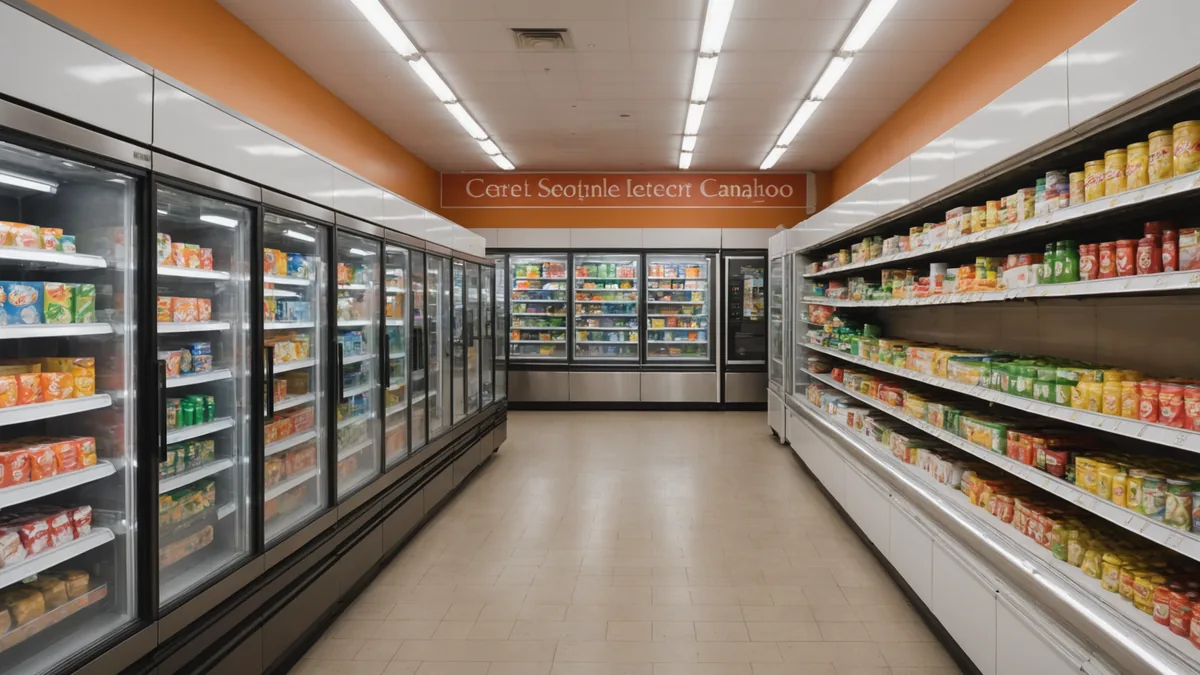
The morning floor walk happens between 08:00 and 10:30 at most chains. It captures the shelf state at that moment. What happens in the next four hours, before the lunch rush, is mostly invisible without continuous monitoring.
I know the routine because I used to do the walk as a regional operations manager. You check the main aisles, straighten what is visibly untidy, note the obvious gaps, and move on to the next store task. By 14:00, though, the store can look very different from the version you inspected that morning.
The gaps below are consistently under-checked by the human eye. They are also the locations where camera analytics can often count shelf conditions more reliably than a point-in-time walk, because the system keeps watching after the manager has left the aisle.
1. Products pushed to the back of deep shelves
A shelf can look full from the aisle while being partially depleted behind the front row. This happens when customers or team members push products toward the back of a deep shelf instead of bringing them forward. From eye level, the visible facings can look complete even though the available stock has already started to thin out.
Morning walks miss this because they are usually conducted from the same standing position and at the same viewing angle. Unless someone reaches into the shelf or checks each section from close range, the front row becomes a misleading signal.
Camera analytics can monitor the visible shelf pattern over time and flag when a section no longer presents the expected number of facings. It will not tell a team member to reach behind the products, but it can identify the location for a closer check. That is useful during busy periods, when a manager cannot inspect every deep shelf manually.
2. Refrigerator zone facing collapse
Chilled products do not always hold their facing as well as ambient products. Temperature cycling changes the shape and firmness of some packaging. As the refrigerator is opened repeatedly, facings can lean, slide, or fall inward. The problem is often more noticeable in the late morning and early afternoon, after the cabinet has had several rounds of customer and staff activity.
A walk at 08:30 can find the refrigerator looking tidy. By 12:30, the same section may have collapsed facings and visible gaps, even if the store team did not remove a large amount of stock. A manager who only checks the zone once is seeing a starting condition, not the condition that customers encounter later.
With camera analytics, the refrigerator zone can be checked continuously for changes in shelf presentation. An alert can draw attention to a facing collapse while there is still time to correct it before the busiest part of the day. The value is not in replacing a team member’s judgment. It is in identifying when the condition changed.
3. Shelf strips that have been removed or displaced
Shelf edge labels and strips are easy to disturb during restocking. They can be pulled out, left loose, or fall away when a case is handled. The products may still be present, so the section does not look empty in the usual sense. What has changed is the structure of the shelf, including the visual connection between the product, its position, and its planogram.
This is often missed on a morning walk because a returning manager registers that the section looks different without immediately seeing an out-of-stock condition. The team may also assume the issue is cosmetic and leave it for later. By then, the missing strip can make the section harder to maintain and harder for the next person to interpret.
Camera analytics can identify a change in the shelf edge and compare the current presentation with the expected arrangement. That helps distinguish a genuine product gap from a planogram or shelf-label disturbance. The resulting task may be to replace a strip, realign the section, or check whether the product has also moved. A traditional OOS check alone is unlikely to catch this early because the products are still there.
4. Promotional bays that deplete by shift end
End-caps and promotional bays often start the day looking exactly as intended. They receive more traffic than standard shelves, however, and customers shop them differently. Products are picked up, compared, moved around, and sometimes left in another part of the bay. By afternoon, the display may be significantly depleted even though it passed the morning walk.
This is a timing problem rather than a walking problem. The manager did check the bay, but checked it before the main period of customer activity. A full promotional display at 09:00 says very little about its condition at 13:30.
Camera analytics gives the store another way to manage the gap between those two moments. Continuous monitoring can detect when a promotional bay begins to lose its expected shelf-fill level and send a real-time alert for a replenishment check. The team can then prioritize the display based on its current condition rather than relying on a morning observation that is already several hours old.
5. Overlap zones between adjacent categories
Some of the most reliable blindspots are created by the route itself. Consider the point where the cereal aisle gives way to the coffee section. The products at that boundary belong visually to both areas, or to neither one clearly. During a walk, the overlap zone is often treated as part of the cereal check and the coffee check. In practice, it may be fully checked by neither.
This is a structural gap. It does not depend on a distracted manager or a poorly completed checklist. When responsibility is divided at a section edge, the boundary can disappear from the routine. The same issue appears wherever categories meet, especially when the aisle layout does not match the way the walk is organized.
Camera analytics can monitor the defined zone independently of the route a person takes. That means the boundary itself can have a shelf-fill or availability condition attached to it. If the section changes, the alert is based on the area, not on whether a particular employee remembered to include it in one of two adjacent checks.
Five things cameras catch better than a walk. A few things they do not.
Continuous monitoring is useful for these five conditions because they change between visits, hide behind a normal-looking front row, or fall outside the practical boundaries of a walking route. It also has limits.
A camera cannot assess product quality the way a person can. It cannot smell spoilage, feel whether packaging has been damaged, or make a proper judgment about freshness. It cannot replace a team member noticing a spill, a customer struggling to find an item, or a display that is technically full but difficult to shop. Those checks still belong on the floor.
The practical approach is to give each method the job it handles well. Use the walk for quality, safety, customer experience, and the context that only a person can understand. Use continuous camera monitoring to keep watching shelf conditions after the walk is over, including the locations that are easy to overlook.
If you want to see which of these five shows up most frequently in your store type and layout, we have patterns from our pilot cohort we can walk you through. Reach out at [email protected].
The morning walk remains necessary. Its value is greater when it is not expected to carry the entire day’s shelf visibility on its own.
Back to Store Ops Insights